You search messages, recalculate balances and try to remember which pickup comes next.
For home bakers juggling real customer orders
Stop running your orders from messages, notes and memory.
Put the customer, order, deposit, balance and pickup in one workbook—so you can see what needs attention before something gets forgotten.
One-time digital download
EN + ESEnglish + Spanish
XLSXOne reusable file
€12.99EUR
1×Digital product
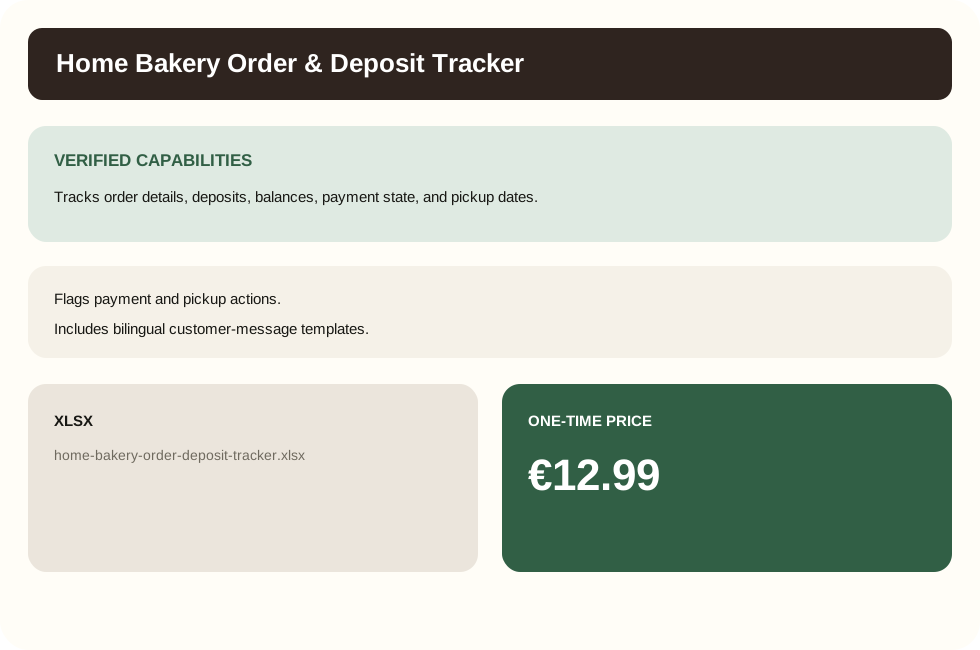
See the next payment and pickup actions at a glance.
Tracks order details, deposits, balances, payment state, and pickup dates.
Flags payment and pickup actions.
Includes bilingual customer-message templates.
The problem
One missed detail can turn a simple order into a scramble.
An order starts in a message. The deposit lands later. Pickup changes. A balance is still open. When those pieces live in different places, you spend time reconstructing the order instead of fulfilling it.
The workbook keeps the order trail together and flags the next payment or pickup action.
How it works
One order in. One clear next action out.
The workflow follows the way a straightforward bakery order already moves—from order details to money collected to pickup.
Capture the order
Add the customer, item, total, pickup details and order status.
Record money as it arrives
Track the required deposit, deposit paid, balance paid and what is still due.
Work from the dashboard
See payment actions, outstanding balances and upcoming pickups without scanning every row.
What you get
The order admin you keep rebuilding in your head—already organized.
Not a giant bakery-management platform. A focused workbook for the stretch between inquiry and pickup.
- Customer and order details kept together in one operational row.
- Deposit required, deposit paid, balance due and payment state.
- Payment and pickup action flags that tell you where attention is needed.
- Dashboard queues for payment attention and upcoming pickups.
- Operational totals for orders, money collected and money outstanding.
- Copy-ready English and Spanish customer-message templates.
- Bilingual quick-start guidance inside the workbook.
- One reusable macro-free XLSX workbook.
Made to be used
Built to be used during the work, not studied before the work.
The workbook opens with instructions, prepared order rows and a dashboard. Add real orders and let the formulas keep payment state and action flags current.
Start with prepared rowsNo blank-system design work before your first order.
Keep one row per orderCustomer, money and pickup details stay together.
Use the dashboardWork the action queues instead of scanning every order.
Reuse itKeep adding orders to the same operational system.
What it does not try to be
Focused on the job you are buying it for.
- It does not send SMS or email automatically.
- It does not synchronize Stripe inside the workbook.
- It is not an inventory-management system.
- It does not automate custom cake design approval.
- It does not automate tax or legal compliance.
Before you buy
Quick answers.
What do I receive?
One reusable, macro-free XLSX workbook named home-bakery-order-deposit-tracker.xlsx.
Does it send reminders automatically?
No. It includes bilingual customer-message templates, but you choose, copy and send the message yourself.
Does the workbook connect to Stripe?
No. Stripe is used for purchasing and delivery outside the workbook; the workbook itself does not synchronize with Stripe.
What kind of orders is it for?
It is designed around standard-menu or otherwise straightforward orders that need customer, payment and pickup tracking.
How much is it?
€12.99 as a one-time digital workbook purchase.
Run the next order from one place.
Know who owes what—and what needs your attention next.
€12.99One-time digital download